Why Does Windows or Edge Save Photos as .jfif Instead of .jpg?
You right-click an image, choose "Save image as," and the download lands with a .jfif extension you never asked for. It looks broken, but it isn't - a .jfif file is already a real JPEG image, just labeled differently. Here's exactly where that label comes from and what it means for the file.
The Registry Setting Behind It
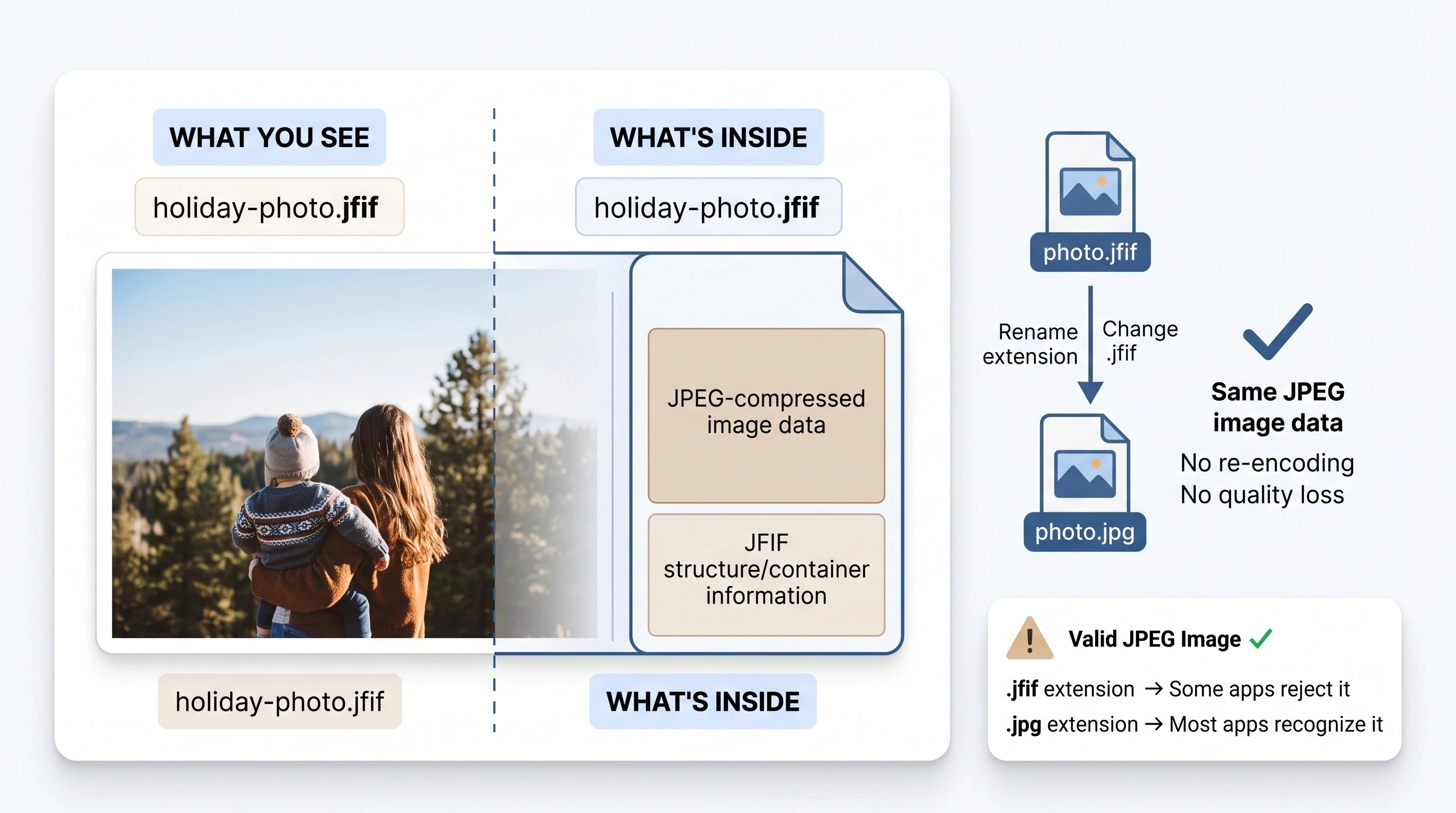
Microsoft Edge and other browsers decide what extension to give a saved image by checking a Windows registry key that maps content types to file extensions. A Microsoft Q&A thread on the behavior identifies the key as HKEY_CLASSES_ROOT\MIME\Database\Content Type\image/jpeg, with an Extension value that can point to either .jpg or .jfif.
When that value is set to .jfif, every JPEG image saved through the browser gets that extension, regardless of what extension the image originally had on the server. It is a labeling decision made locally on your PC, not something the website you downloaded from controls.
JFIF Isn't a Different Format - It's the Container JPEG Already Uses
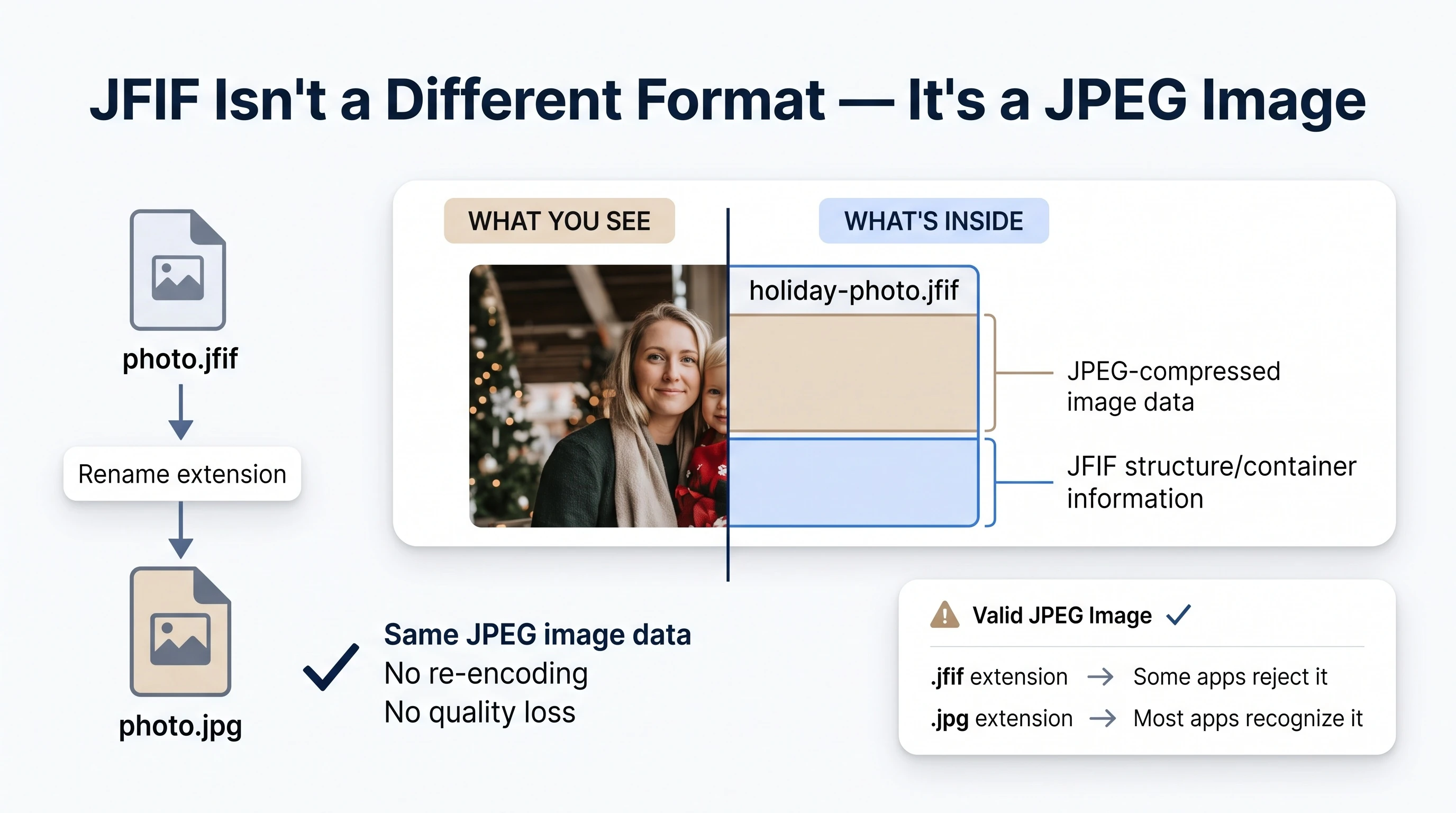
JFIF stands for JPEG File Interchange Format, and it's the actual specification that ordinary JPEG files follow. According to the Library of Congress digital format registry entry for JFIF, the format was developed to let JPEG-compressed image data move reliably between different platforms and applications, and version 1.02 - released in 1992 - is still the version in common use today.
In other words, when Windows names a file .jfif, it isn't converting your JPEG into something else. It's just being more literal about which spec the file already follows. See our fuller explanation of what a JFIF file is for how this plays out in practice.
Why It Still Causes Problems
Plenty of software checks a file's extension before deciding whether to accept it, even though the actual image data would work fine. Some upload forms, older photo viewers, and a handful of desktop apps only recognize .jpg or .jpeg by name, so a perfectly valid image gets rejected purely on a technicality.
That mismatch is the entire reason a rename - not a real conversion - is enough to fix it. Wikipedia's entry on JFIF confirms the same underlying point: nothing about the pixel data needs to change, because the data was already standard JPEG.
Fixing It
Two options exist, depending on what you're trying to solve. To stop Windows from labeling future downloads as .jfif at all, see our step-by-step registry fix for Windows 10 and 11. To fix files you already have right now, use our free JFIF to JPG converter - Instant Rename mode relabels the file instantly with zero quality loss, since there's nothing to re-encode.
Need to go the other direction for an app that specifically expects a .jfif extension? Our JPG to JFIF tool handles that too. For a deeper technical look at the format itself, read what the JFIF format actually specifies.