JFIF to WEBP: Turning a .jfif Download Into a Smaller File
A .jfif file downloaded from a browser is already a full-size JPEG wearing an unfamiliar extension, so converting it straight to JPG is normally the free, lossless move. Sometimes that's not what you actually need, though - if the goal is a genuinely smaller file rather than just a friendlier extension, converting JFIF to WEBP trades that free lossless step for real compression savings instead.
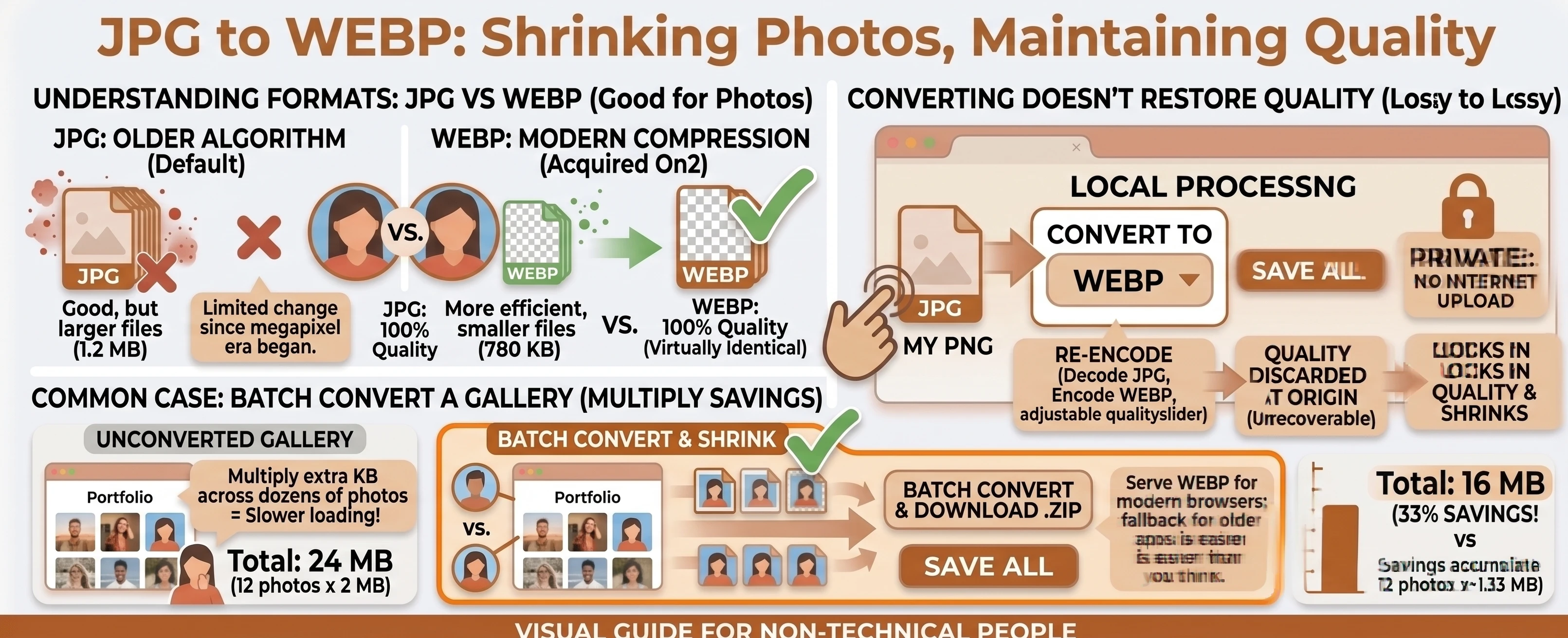
Understanding the Formats: JFIF vs WEBP
JFIF isn't really its own format - it's ordinary JPEG image data wearing a less common extension, usually applied automatically by a browser or by Windows when an image is saved or downloaded. The compression underneath is identical to any other JPEG.
WEBP is a genuinely different, newer format built specifically to compress web images smaller than JPEG can manage at a similar visual quality, while also supporting real transparency that JPEG-based formats never had.
Why JFIF to WEBP Isn't the Free Option
Our free JFIF to WEBP converter always performs a real decode-and-re-encode, not a relabel - unlike converting to JPG, which is an instant, zero-loss rename on our flagship JFIF to JPG tool. The reason for that difference is structural: a .jfif file's image data is standard JPEG under a different extension, per Wikipedia's entry on JFIF - our own technical breakdown of the JFIF format covers why in more depth. WEBP, on the other hand, is a genuinely different format with different compression, so there's no equivalent shortcut into it.
What You Get in Exchange
The tradeoff is real: Wikipedia notes Google's own measurements found "a conversion from PNG to WebP resulted in a 45% reduction in file size," and Google's web.dev guide reports WebP is typically "25-35%" smaller than an equivalent JPEG as well. If the .jfif file is headed somewhere that benefits from a smaller file - a web page, an app with upload limits - that's a real, measurable gain in exchange for giving up the free rename.
Deciding Which Direction to Convert
If you just need a familiar, universally recognized extension with zero quality loss and no real decision to make, use our JFIF vs JPG comparison to confirm it's the right call, then convert there directly. If file size is the actual goal, stick with the tool on this page - see the JFIF vs WEBP comparison table for the rest of the differences, including WEBP's real alpha-channel support, which a JFIF/JPEG file never has.
A Common Case: A .jfif Screenshot Headed to a Website
This pairing tends to show up when a .jfif image saved from a browser needs to actually go somewhere online - a blog post, a product listing, a portfolio - rather than just sit on a hard drive. Uploading it as-is with the unfamiliar extension can confuse some content management systems, and uploading it as a plain JPG works but skips the compression gain entirely. Converting straight to WEBP solves both problems in one step.
Converting JFIF to WEBP in Your Browser
Drop or select your .jfif files, set the target format to WEBP, adjust the quality slider if needed, and convert. The entire process runs locally with nothing uploaded, matching the same privacy story as every tool on this site - a batch of files converts independently or all at once, with a combined .zip download available once two or more finish.
Need the reverse? Our WEBP to JFIF converter re-encodes back into JPEG data labeled .jfif. For background on why files show up as .jfif in the first place, see why Windows and Edge save photos as .jfif, or browse the rest of the conversion tools and the blog.