Opening and Converting JFIF Files on iPhone and Android
A .jfif file lands in your phone's downloads or a messaging app, and it either won't open or looks like it's missing a preview. The file usually isn't broken - a .jfif file is a real JPEG image under a different extension, and both iOS and Android can handle that image data once something recognizes the file correctly.
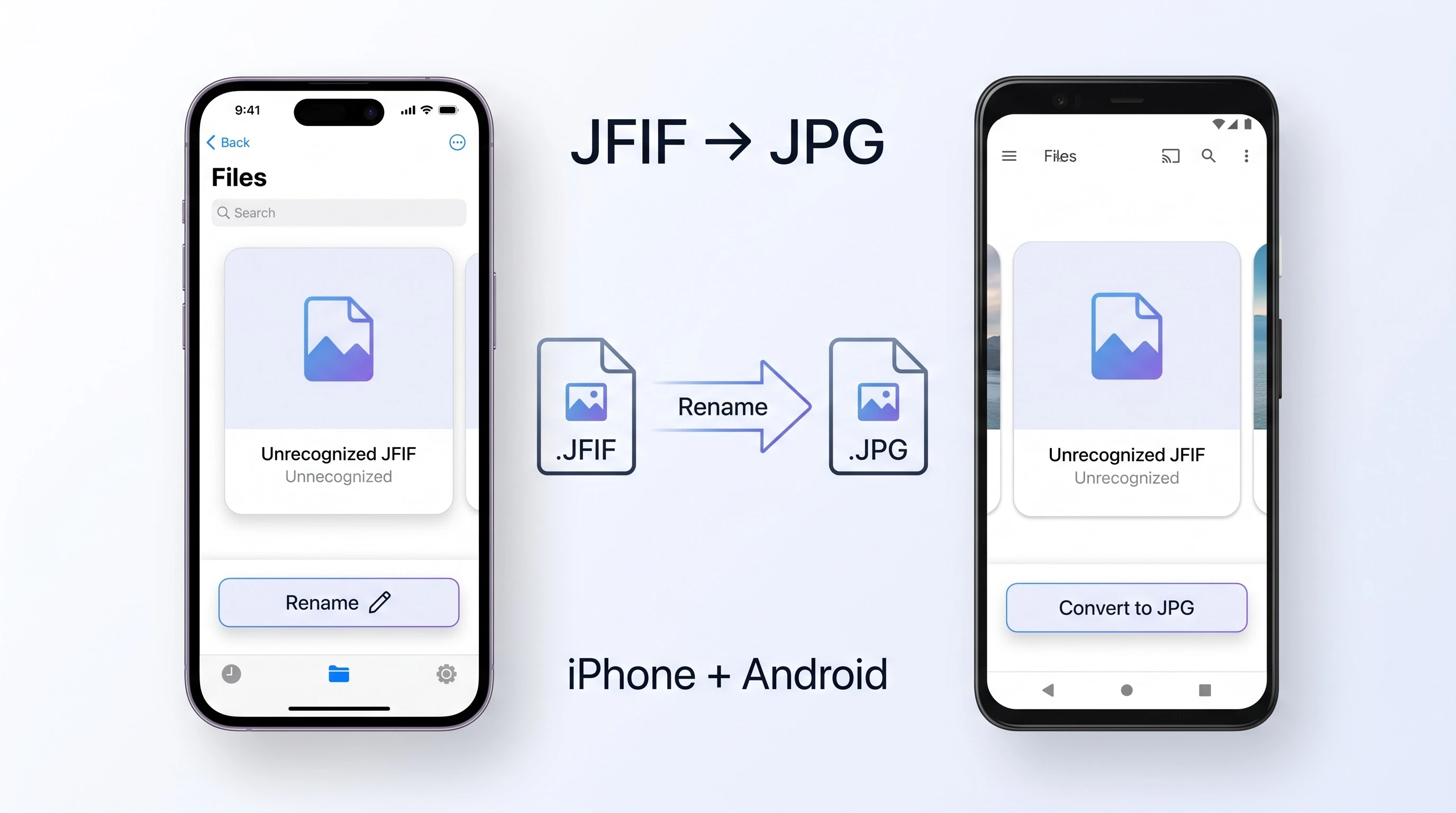
iPhone and iPad
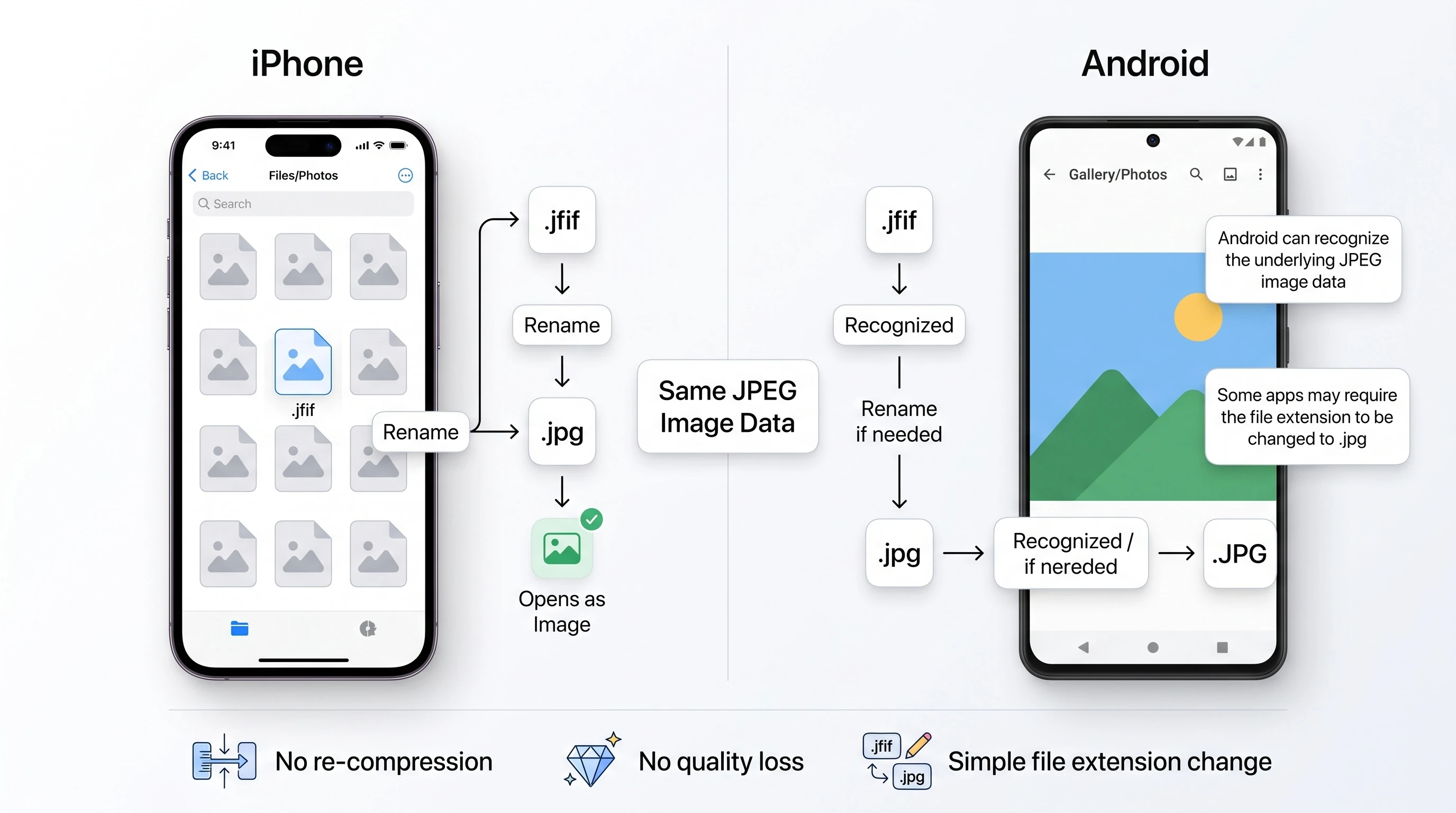
Apple's own photo formats guidance, in its support article on HEIF and HEVC media, confirms that iOS handles JPEG alongside its newer HEIF format for photo storage and viewing - JPEG has been a fully supported still-image format on iOS long before HEIF existed. The trouble with .jfif specifically is that some apps only recognize a file as an image if the extension matches what they expect, so a valid JPEG labeled .jfif can get treated as an unrecognized attachment rather than a photo.
If a .jfif file won't open or preview properly on your iPhone, renaming it to .jpg is usually enough to fix that recognition problem, since nothing about the underlying image needs to change.
Android
Android's own developer documentation lists JPG as one of its natively supported raster image formats, alongside PNG and WebP. Most Android devices open JFIF files without issue in the default Gallery app or Google Photos, since the underlying image data is standard JPEG - but the same extension-recognition problem that affects iOS can occasionally show up in specific apps or file managers.
Why Renaming Works the Same Way on Mobile
A .jfif file's bytes are already valid JPEG data, per Wikipedia's entry on JFIF - see our technical breakdown of the JFIF format for the full explanation. That means fixing a stubborn .jfif file on a phone doesn't require any real conversion or re-compression, on either platform. It only requires the extension to say .jpg instead of .jfif.
Converting on Your Phone
Our free JFIF to JPG converter works the same way on a phone browser as it does on desktop - tap to browse your photos, and Instant Rename mode relabels the file with zero quality loss, entirely on your device. Nothing is uploaded, which matters more on mobile data than it does on a fast home connection. It also supports batch conversion, so a whole camera roll of .jfif files can be fixed in one pass instead of one at a time.
If an app on your phone specifically requires a .jfif extension instead, our JPG to JFIF tool does the same relabeling in reverse. For background on why this mismatch happens at all, see why Windows and Edge save photos as .jfif, or browse the rest of the blog.