JPG to WEBP: Shrinking Photos Without a Visible Quality Hit
A page full of JPG photos loads slower than it needs to, and re-compressing a JPEG again just adds more visible artifacts on top of what's already there. Converting JPG to WEBP avoids that problem - WEBP was built specifically to compress better than JPEG at a similar visual quality, so re-encoding from the original source usually shrinks the file meaningfully without the same generation loss a second JPEG pass would add.
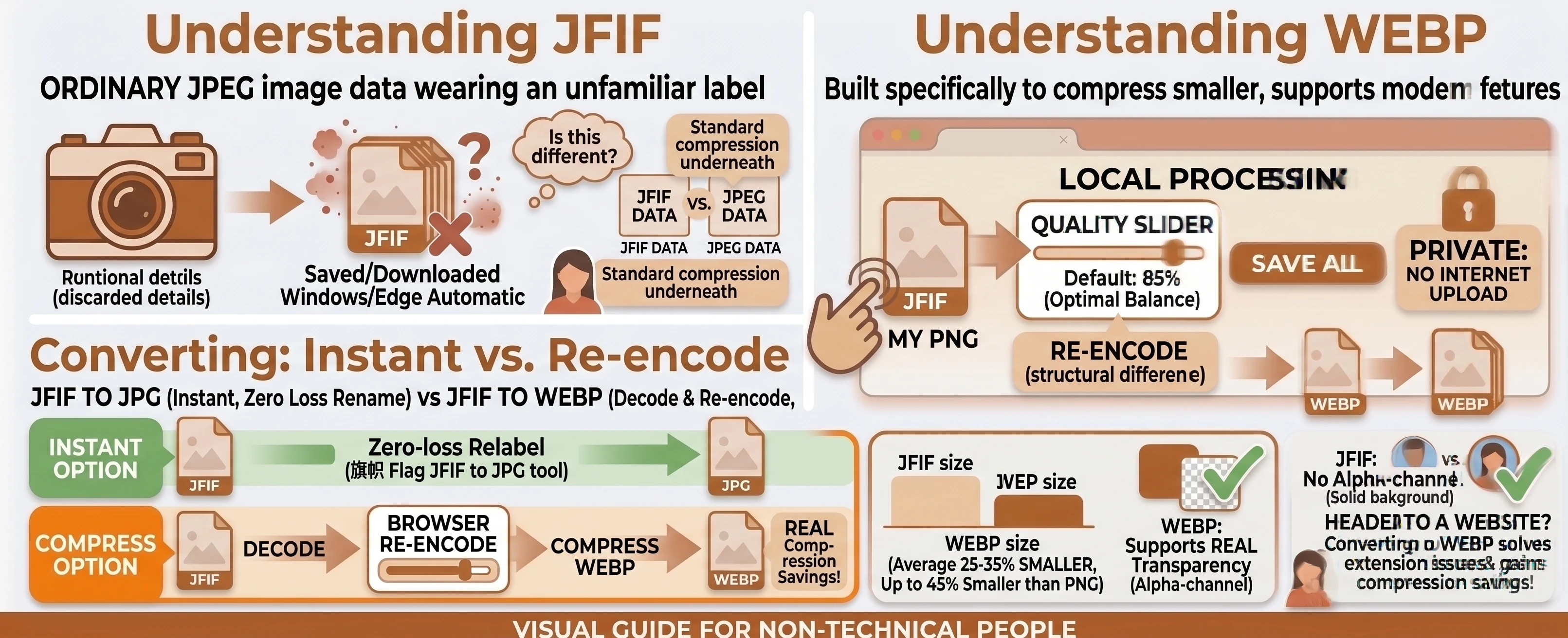
Understanding the Formats: JPG vs WEBP
JPG has been the default photo format for decades, and its lossy compression is genuinely good at shrinking real-world photos - but the algorithm behind it hasn't meaningfully changed since long before phones started shooting multi-megapixel photos by default.
WEBP was built years later specifically to do JPEG's job more efficiently, using newer compression techniques to hit a smaller file size at a comparable visual quality. It's not a different kind of image, just a more modern way of packing the same kind of photographic detail.
How Much Smaller Is WEBP, Really?
Google's own web.dev guide puts it plainly: "WebP images are smaller than their JPEG and PNG counterparts - usually on the magnitude of a 25-35% reduction in filesize." That guide also cites Facebook's real-world results after switching: "25-35% filesize savings for JPEGs." Wikipedia's entry on WebP traces the format back to Google's 2010 announcement, built on "technology which Google had acquired with the purchase of On2 Technologies," specifically to compress web images better than the formats already in wide use.
Compatibility Is a Much Smaller Concern Than It Used To Be
WEBP support used to be the real tradeoff against its compression gains, but every current major browser now renders it natively. The web.dev guide's own advice - "serve WebP to newer browsers and a fallback image to older browsers" - is aimed at sites needing to support very old browser versions, not typical viewing today. MDN's image format guide still calls JPEG "the most widely used lossy compression format," so if you're sharing a file directly rather than serving it through a website with a fallback, an occasional older app that only recognizes .jpg is the more realistic edge case.
Converting Doesn't Restore Quality JPEG Already Lost
Same caveat as any lossy-to-lossy conversion: our free JPG to WEBP converter re-encodes the image data through canvas, and the quality slider controls how much additional compression this pass applies - it can't recover detail the original JPEG encode already discarded. See the JPG vs WEBP comparison table for the full picture. If you'd rather keep everything as a lossless rename instead, our JPG to JFIF tool is the one pair on this site that's still an instant, zero-loss relabel.
A Common Case: A Photo Gallery or Portfolio Page
This one shows up most for anyone building a page that shows off a lot of photos - a portfolio, a product gallery, a photo blog - where every extra kilobyte per image multiplies across dozens of photos and directly slows the page down for every visitor. Batch-converting a whole folder of JPGs to WEBP at once, rather than one at a time in an editor, is exactly the kind of repetitive task this tool is built for.
Converting JPG to WEBP in Your Browser
Drop or select your JPG files, leave the target format on WEBP, adjust quality if needed, and convert. The whole process runs locally with nothing uploaded, and multiple files can be batch-converted and downloaded together as one .zip once two or more finish.
Need the reverse direction? Our WEBP to JPG converter handles that. For a lossless target instead of a smaller one, see JPG to PNG. Browse the rest of our conversion tools, or the blog for more format guides.